


Why Does Your Chevy Say “Unable to Charge”? [2026]
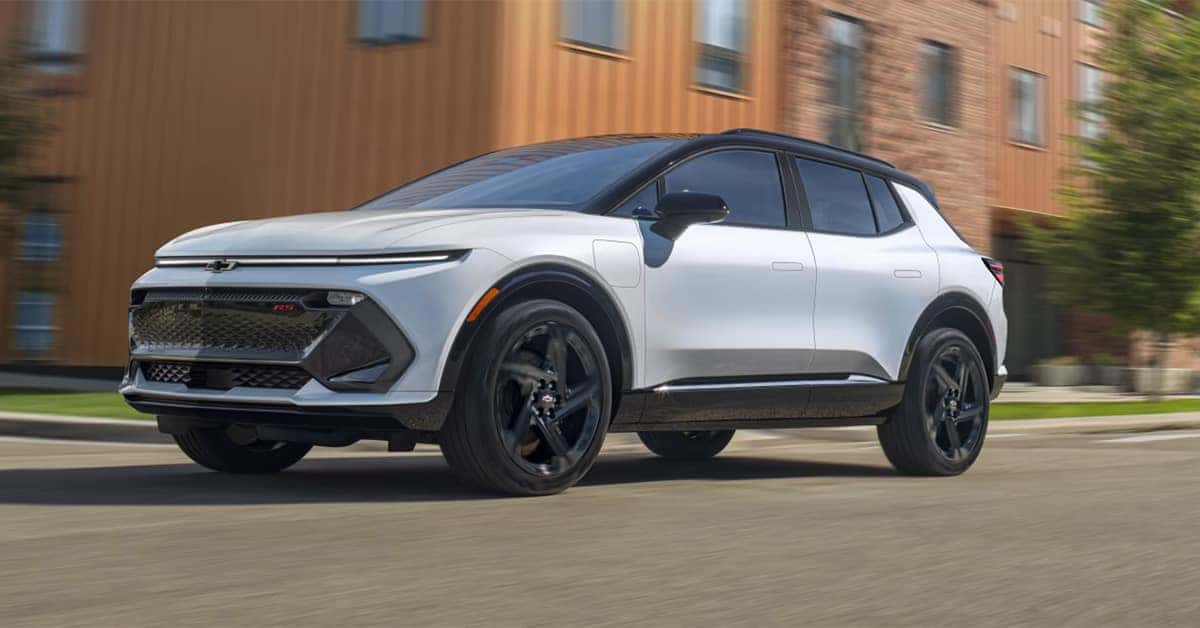
A Chevy “Unable to Charge” message usually means the vehicle has detected a condition that is preventing the battery from charging safely. Common causes include charging equipment issues, power supply problems, software glitches, cooling system concerns, or battery-related faults. Identifying the source of the warning early can help restore charging capability and prevent more serious issues.
For more than 90 years, Applegate Chevrolet has proudly served drivers throughout Flint and Mid-Michigan with quality vehicles, certified service, genuine Chevrolet parts, and financing solutions. Whether you need assistance diagnosing a charging issue or are shopping for your next Chevrolet, our team is here to help. Contact Applegate Chevrolet today to learn more or schedule service.
Understanding the Chevy “Unable to Charge” Message
The Chevy “Unable to Charge” message is a built-in safety feature designed to protect the battery and charging system. Before charging begins, Chevrolet EVs verify that the charger, power source, and vehicle systems are operating correctly. If the vehicle detects a potential problem, charging may be delayed or stopped entirely. While inconvenient, this helps protect battery health and prevents possible electrical damage.
Common reasons for the warning include:
- Charging equipment problems
- Outlet or power supply issues
- Software communication errors
- Battery management system faults
- Cooling system concerns
Advanced electrical systems found throughout the Chevrolet lineup, including vehicles such as the Silverado, rely on monitoring technology to help maintain safe and reliable operation.
Common Causes of an EV Unable to Charge Chevy Warning
Several conditions can trigger an EV unable to charge Chevy warning. In many cases, the issue is relatively minor and can be corrected without extensive repairs.
Some of the most common causes include:
- Loose charging cord connections
- Improperly connected charging handles
- Faulty charging equipment
- Ungrounded outlets
- Charging schedule conflicts
- Weak 12-volt batteries
- Battery cooling system problems
- High-voltage battery concerns
Because charging systems involve multiple components working together, determining the exact cause is often the most important step toward resolving the issue. Drivers of the Chevrolet Equinox EV may occasionally encounter this warning even if the vehicle charged normally during previous charging sessions.
Charging Equipment and Connection Problems
Charging equipment is one of the first places to look when troubleshooting charging issues.
Loose Charging Adapters
Many Chevrolet EV owners use dual-voltage charging equipment at home. If the adapter is not fully seated in the charging unit, the vehicle may immediately reject the charging attempt.
Improperly Connected Charge Handle
The charging connector must be fully inserted and securely latched into the charge port. Potential causes include:
- Incomplete insertion
- Cable weight pulling on the connector
- Debris inside the charge port
- Ice or frost affecting the latch
In many cases, disconnecting and reconnecting the charging handle solves the problem.
Outlet and Power Supply Problems
Chevrolet EVs verify that the power source is safe before accepting a charge.
Common issues include:
- Ungrounded outlets
- Reversed polarity
- Damaged electrical circuits
- Inconsistent voltage
Testing the vehicle at a public charging station can help determine whether the problem originates from the home charging setup or the vehicle itself.
Software Glitches and Charging Communication Errors
A charging error Chevy EV warning is not always caused by hardware. Modern electric vehicles depend on communication between the charger, vehicle software, charging schedules, and mobile applications.
MyChevrolet App Conflicts
Stopping a charging session through the app can occasionally create a temporary communication issue between the vehicle and charger. Restarting the charging process may resolve the problem.
Charging Schedule Conflicts
Many drivers schedule charging during off-peak utility hours. If delayed charging settings are active, the vehicle may appear unable to charge when it is actually waiting for its scheduled charging window.
Driver Profile Issues
Corrupted profile data within the infotainment system can sometimes interfere with charging commands. Resetting the driver profile may clear the issue. Owners of the Chevrolet Traverse are already familiar with how advanced vehicle technology improves convenience. EV charging systems simply add another layer of software integration.
Battery and Cooling System Concerns
If charging equipment and software are functioning properly, the vehicle may be detecting a battery-related fault.
Weak 12-Volt Battery
Although EVs are powered by a high-voltage battery pack, the 12-volt battery remains essential for operating many vehicle systems.
A failing 12-volt battery can:
- Trigger warning messages
- Cause communication faults
- Prevent charging from starting
- Generate false diagnostic codes
Cooling System Problems
Battery temperature must remain within specific limits during charging. Low coolant levels, faulty sensors, or cooling system leaks may cause the vehicle to disable charging as a protective measure.
High-Voltage Battery Protection
If the high-voltage battery becomes excessively depleted, built-in protections may temporarily prevent charging until the vehicle is inspected and serviced.
What to Do When Your Chevy Says Unable to Charge
If you see an Unable to Charge warning, several simple troubleshooting steps may help identify the issue.
Start by:
- Reconnecting the charging adapter.
- Disconnecting and reconnecting the charge handle.
- Verifying charging schedule settings.
- Restarting the vehicle.
- Inspecting charging equipment for visible damage.
If the warning remains, test the vehicle at another charging station. This can help determine whether the issue is related to the charger or the vehicle itself. If charging continues to fail at multiple locations, professional diagnosis is recommended.
Drivers of the Chevrolet Trax considering a future EV purchase can appreciate how these safety systems help protect battery performance and long-term reliability.
What Causes a Chevy EV or Plug-In Hybrid to Show “Unable to Charge”?
- Loose charging connections
- Charging equipment or outlet issues
- Software glitches
- A weak 12-volt battery
- Cooling system concerns
- Battery management system faults
Could This Be a Problem With the Charger, the Vehicle Inlet, the Battery Management System, or the Home Outlet?
- Yes.
- Any of these components can trigger the warning.
- Professional diagnostics can identify the exact cause.
What Troubleshooting Steps Can I Try Before Contacting Service?
- Reconnect the charging adapter.
- Inspect the charging cable.
- Check charging schedules.
- Verify outlet power.
- Test a different charging station.
Will “Unable to Charge” Affect My Warranty or Require Expensive Repairs?
- Not necessarily.
- Many charging issues are related to software or connection problems.
- A diagnostic inspection is needed to determine repair requirements.
Should I Avoid Charging Attempts If I See an Error to Prevent Battery Damage?
- Yes, if the warning persists after basic troubleshooting.
- Schedule service if charging continues to fail.
Trust Applegate Chevrolet for Chevrolet EV Service and Support
Charging issues can be frustrating, but many can be diagnosed and resolved quickly when addressed early. Whether the concern involves charging equipment, software communication, battery cooling systems, or electrical components, the certified technicians at Applegate Chevrolet are here to help.
Drivers throughout Flint, Grand Blanc, Davison, Clarkston, and surrounding Mid-Michigan communities can rely on Applegate Chevrolet for expert service and personalized support. If you’re shopping for your next vehicle, be sure to browse our inventory of Chevrolet models, including the Silverado, Equinox, Traverse, and Trax.
Looking for more information about Chevrolet warning lights and vehicle diagnostics? Continue browsing our research center for helpful resources on P0700 code, P0401 diagnosis, and P0449 causes. For additional assistance or to schedule service, visit or contact Applegate Chevrolet today.
Get Directions to Applegate Chevrolet
Disclaimer: All information is provided for general informational and entertainment purposes only. While we strive for accuracy, we cannot guarantee that all content is complete, current, or error-free. Any reliance you place on such information is strictly at your own risk. This article may include opinions and is not endorsed by, or officially affiliated with, any vehicle manufacturer or brand. Always consult official sources – such as the vehicle’s owner’s manual, authorized dealerships, or certified professionals – for the most up-to-date and personalized information.
0 comment(s) so far on Why Does Your Chevy Say “Unable to Charge”? [2026]