


Chevy Silverado Tow & Haul Mode Not Working: Causes & Fixes [2026]
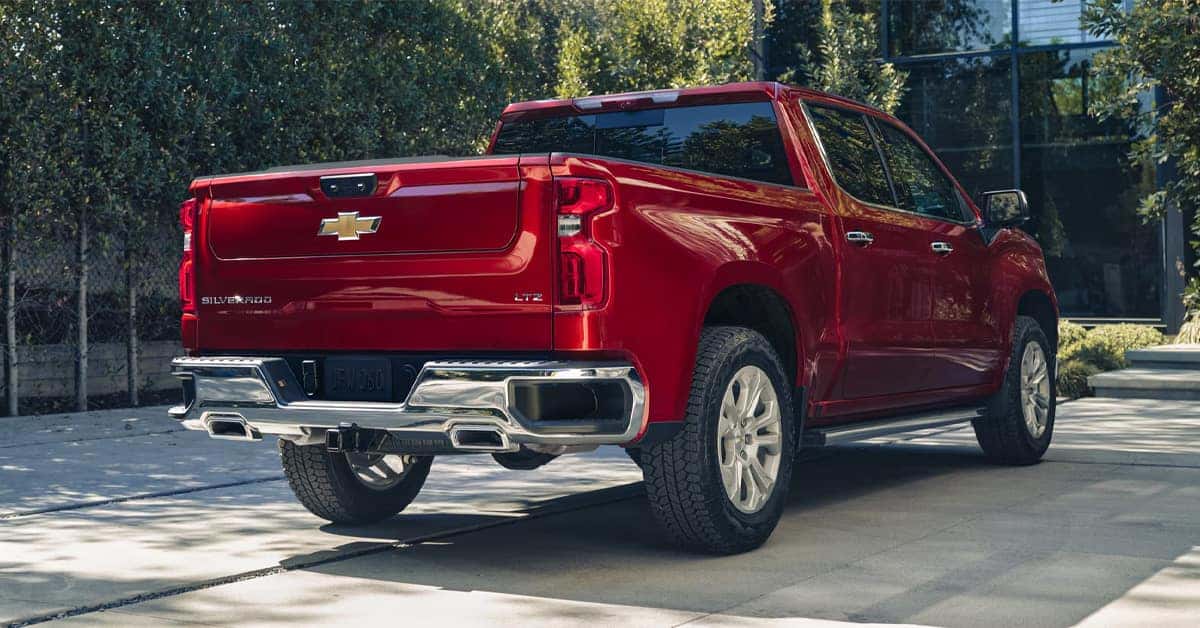 Tow/Haul Mode is designed to make towing a heavy trailer or load more manageable by changing how the transmission responds under load. If the feature is not activating, the indicator does not appear, or the button seems unresponsive, several issues could be responsible, ranging from a simple control problem to a transmission or electrical concern.
For drivers in Flint, Burton, Grand Blanc, and Swartz Creek, Applegate Chevrolet can help diagnose towing-related concerns and keep your truck ready for the road.
How Tow/Haul Mode Helps During Towing
Tow/Haul Mode changes the vehicle’s shift behavior to provide more appropriate gear selection when pulling a trailer or carrying a heavy load.
Chevrolet explains that the system can keep the vehicle in a lower gear for additional torque and hold lower gears longer to help reduce excessive shifting.
The feature can be particularly useful when:
- Pulling a heavy trailer
- Driving through rolling terrain
- Traveling in stop-and-go traffic
- Maneuvering at low speeds while towing
- Carrying a substantial load
Tow/Haul Mode is not necessarily intended for every driving situation. Chevrolet notes that using it when the vehicle is lightly loaded or unloaded does not provide a benefit and may affect driving characteristics and fuel economy on some models.
Understanding what the system is supposed to do makes it easier to recognize when something is not operating normally.
Common Causes of Silverado Tow & Haul Mode Problems
If you are experiencing Chevy Silverado Tow/Haul mode not working, start with the simplest possibilities before assuming there is a major mechanical problem.
Depending on the model year and equipment, potential causes can include:
- A problem with the Tow/Haul button or control
- An electrical or wiring issue
- A warning light or stored diagnostic trouble code
- A transmission-related concern
- A malfunction involving the vehicle’s drive-mode controls
- An issue with the instrument cluster or indicator
- A feature-specific software or electronic control problem
The exact setup varies by Silverado model year and configuration. Chevrolet recommends consulting the vehicle’s Owner’s Manual for information specific to the truck. If other warning messages or unusual transmission behavior appear at the same time, professional diagnosis is especially important.
Silverado Tow & Haul Mode Troubleshooting Steps
Before scheduling service, there are a few basic checks you can make. Start by confirming that your truck is actually equipped with Tow/Haul Mode and that you are using the correct control for your model. Next, check the instrument cluster after activating the feature.
On equipped vehicles, an indicator should appear when Tow/Haul Mode is selected. You can also check for other warning lights or messages. If the Tow/Haul function does not activate and other systems are behaving normally, the issue may be isolated to the control system. However, if the truck is shifting abnormally, refusing to select gears, or displaying a transmission warning, avoid guessing at the cause.
For newer models equipped with advanced trailering technology, the truck may also provide additional towing information through the infotainment system. Available features can include trailer profiles, pre-departure checklists, trailer light testing, and other trailering tools depending on equipment.
Checking the Tow/Haul Button and Controls
A Chevy Silverado tow haul button not working can sometimes point to a control or electrical issue. The location and operation of the control can vary depending on the model year and configuration. On some Silverado models, Tow/Haul is controlled using a button on the end of the shift lever.
Other equipped vehicles use selectable drive-mode controls. Chevrolet’s current support information explains that available Tow/Haul functionality can be accessed through the vehicle’s drive-mode controls on applicable models. If pressing the control produces no indicator or response, check whether other buttons or drive-mode functions are operating normally.
A single malfunctioning control may require inspection, while multiple affected functions could indicate a broader electrical or electronic issue. Avoid repeatedly pressing the button or attempting repairs to wiring and electronic components without knowing the cause.
A trained technician can test the system and determine whether the issue involves the control, wiring, module, or another component.
When a Transmission Problem May Be Involved
Because Tow/Haul Mode changes transmission behavior, Silverado towing mode problems should not be ignored when accompanied by noticeable shifting concerns.
Pay attention to symptoms such as:
- Harsh or delayed shifting
- Transmission slipping
- Unusual noises
- Difficulty selecting gears
- Unexpected changes in engine RPM
- Transmission warning messages
- Reduced performance while towing
These symptoms do not automatically mean the transmission has failed. However, they can indicate that additional diagnosis is necessary. Tow/Haul Mode is intended to assist with managing heavier loads, but it does not increase the truck’s maximum towing capacity.
Always stay within the towing and weight limits specified for your particular configuration. Chevrolet provides model-specific trailering guides and recommends checking the Owner’s Manual for towing information.
Safe Towing Starts With Proper System Operation
A malfunctioning Tow/Haul system is only one part of a larger towing picture. Before heading out with a trailer, make sure the truck and trailer are properly prepared.
Important checks include:
- Confirming the trailer weight is within the truck’s rating
- Checking tire pressure
- Inspecting trailer lights
- Confirming the hitch and connections are secure
- Checking trailer brakes when equipped
- Verifying that the truck’s towing equipment is functioning properly
- Reviewing the appropriate towing information for the specific Silverado
Newer Silverado models can also offer advanced trailering technology, including available camera views and trailering tools designed to make hitching, maneuvering, and monitoring a trailer easier.
Why isn’t my Chevy Silverado’s Tow/Haul mode working?
Possible causes include a faulty control, electrical issue, transmission concern, warning condition, or another electronic problem. The exact cause depends on the model year and equipment.
How do I turn on Tow/Haul Mode in a Chevy Silverado?
Depending on the model, Tow/Haul Mode may be activated with a button on the shift lever or through the vehicle’s drive-mode controls. Check your Owner’s Manual for model-specific instructions.
What should I check if the Tow/Haul button doesn’t work?
Check whether the Tow/Haul indicator appears and whether other controls are functioning normally. If there is no response or additional warning appears, professional diagnosis is recommended.
Can a transmission problem prevent Tow/Haul Mode from working?
A transmission-related problem can affect towing performance and may be associated with Tow/Haul concerns. If you notice abnormal shifting, warning messages, or other transmission symptoms, have the vehicle inspected.
Is it safe to tow if my Silverado’s Tow/Haul Mode isn’t working?
It depends on why the feature is not working and whether other vehicle systems are affected. If there are transmission problems, warning messages, or unusual vehicle behavior, have the truck inspected before towing.
Get Your Silverado Ready for the Road
If your Silverado needs help with Tow/Haul Mode or another towing concern, visit Applegate Chevrolet for professional assistance. Drivers from Flint, Burton, Grand Blanc, and Swartz Creek can also explore our resources on Chevy reduced engine power, Chevy charging problems, and Silverado towing guidance.
Contact Applegate Chevrolet today to schedule service or get help with your truck’s towing needs.
Get Directions to Applegate Chevrolet
Disclaimer: All information is provided for general informational and entertainment purposes only. While we strive for accuracy, we cannot guarantee that all content is complete, current, or error-free. Any reliance you place on such information is strictly at your own risk. This article may include opinions and is not endorsed by, or officially affiliated with, any vehicle manufacturer or brand. Always consult official sources – such as the vehicle’s owner’s manual, authorized dealerships, or certified professionals – for the most up-to-date and personalized information.
0 comment(s) so far on Chevy Silverado Tow & Haul Mode Not Working: Causes & Fixes [2026]