


How to Enable Auto Lock & Unlock on a Chevy [2026 Guide]
 Chevrolet vehicles equipped with compatible keyless entry features can make everyday driving more convenient by automatically locking or unlocking the doors based on your key fob’s proximity. In 2026, many Chevy models allow drivers to adjust these functions through the vehicle’s infotainment settings, including options for passive locking and unlocking.
At Applegate Chevrolet, our team is here to help drivers throughout Flint, Burton, Grand Blanc, Swartz Creek, and nearby Mid-Michigan communities get the most from their vehicles. From finding a new Chevrolet to maintaining your current vehicle with certified service, parts, and accessories, we are ready to assist with your automotive needs.
Accessing the Automatic Lock and Unlock Settings
The first step in adjusting your Chevy auto lock/unlock settings 2026 is accessing the appropriate menu through your vehicle’s infotainment system. The exact screen layout can vary depending on the model and equipment, but the general process is straightforward.
Start by turning on your vehicle’s ignition or starting the engine.
From the home screen:
- Select the Settings icon.
- Choose Vehicle.
- Scroll through the available options.
- Select Remote Lock, Unlock, and Start.
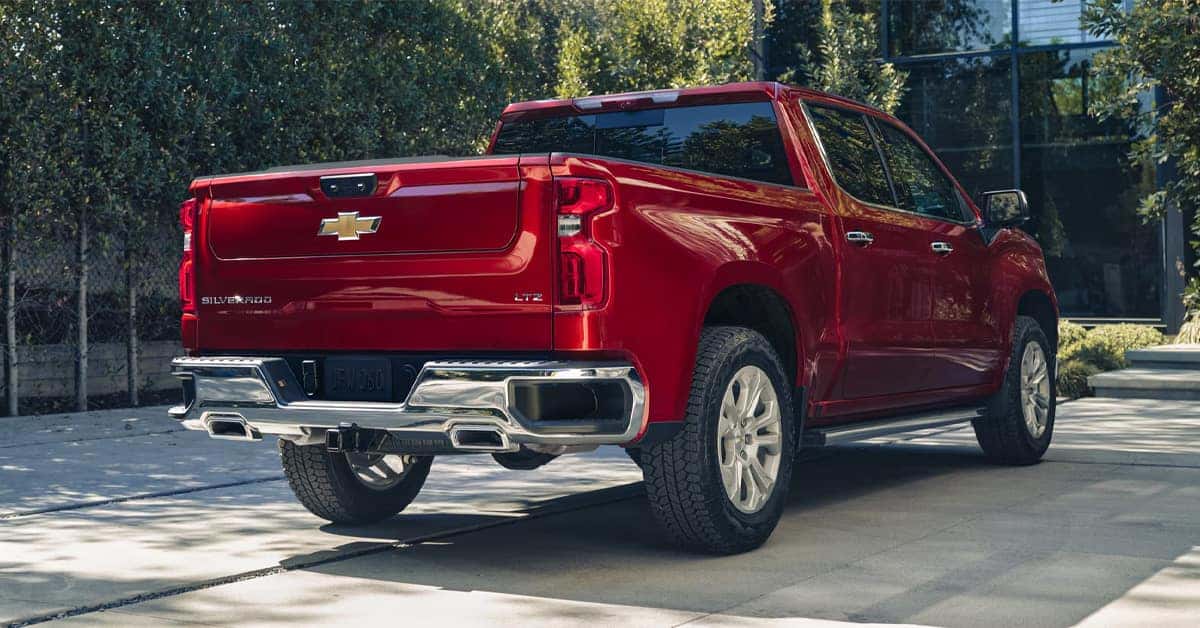
Once inside this menu, you should see the available passive locking and unlocking options for your specific vehicle. For a Chevy Silverado, these settings can be particularly useful when you’re carrying groceries, tools, or other items and want the doors to respond automatically when your key fob is nearby.
Setting Up Passive Door Locking
The how to enable auto lock Chevy process includes adjusting the Passive Door Lock setting. This feature can automatically lock the vehicle after you turn it off, exit, and move away with the key fob.
Depending on your vehicle’s available settings, you may be able to choose between:
- On with Horn Chirp, which provides an audible confirmation
- On without Horn, which locks the vehicle without the horn chirping
This can be convenient when you’re getting out of your vehicle and do not want to manually press the lock button on your key fob.
A Chevy Trax equipped with compatible passive locking functionality can make this especially convenient during quick stops or busy errands. Once enabled, the vehicle can automatically lock after you leave with the key fob.
Customizing Passive Door Unlocking
Your Chevy automatic door lock settings can also include passive door unlocking. This setting determines what happens when you approach the vehicle with the key fob nearby and pull the door handle.
Depending on the available equipment, you may be able to choose:
- Driver Door Only
- All Doors
The Driver Door Only option can provide an additional layer of convenience when you want to enter the vehicle without immediately unlocking every door. The All Doors option can be helpful when passengers are entering at the same time.
For a Chevy Trailblazer, choosing the appropriate setting can make getting in and out easier, particularly when you’re traveling with passengers or carrying belongings.
Understanding Why Settings May Vary
The Chevy door lock settings guide 2026 applies generally to compatible Chevrolet vehicles, but not every Chevy will have the same menu or features. Equipment levels, model year, infotainment systems, and vehicle configuration can affect which options appear.
If you do not see Passive Door Lock or Passive Door Unlock in your settings, there may be several reasons. Your vehicle may not be equipped with the feature, or the available functions may differ based on its configuration. It is also important to keep your key fob nearby when testing these functions.
Passive locking and unlocking rely on the vehicle detecting the compatible key fob.
Troubleshooting Automatic Lock and Unlock Features
If the Chevy auto unlock feature does not appear to be working as expected, start by checking the settings you selected. Make sure the appropriate passive locking or unlocking option is enabled.
You can also check a few basic factors:
- Confirm the key fob is with you when testing the feature.
- Verify the desired Passive Door Lock or Passive Door Unlock setting is enabled.
- Check whether your vehicle offers Driver Door Only or All Doors.
- Make sure the vehicle is fully turned off before testing passive locking.
- Consult your owner’s information for model-specific instructions.
A Chevy Silverado with compatible equipment may operate differently from another Chevrolet model, so it is best to confirm the available functions for your particular vehicle rather than assuming every Chevy has identical settings.
Making Everyday Driving More Convenient
Once you understand how to enable auto lock Chevy options, adjusting the settings can take only a few moments. Passive locking can help provide reassurance when you walk away from your vehicle, while passive unlocking can make entering the vehicle more convenient.
A Chevy Trax can benefit from these convenience features when used for daily commuting, shopping, family activities, or other routine trips. Small adjustments to your vehicle’s settings can make a noticeable difference in how naturally the vehicle fits into your everyday routine.
If you’re unsure about a particular setting, our team at Applegate Chevrolet can help you better understand your vehicle’s available features and functions.
How do I enable automatic door lock and unlock on a Chevy?
Turn on the vehicle, select Settings, choose Vehicle, then select Remote Lock, Unlock, and Start. From there, adjust the available Passive Door Lock and Passive Door Unlock settings.
Where can I find the auto lock and unlock settings in my Chevy?
The settings are generally located under Settings > Vehicle > Remote Lock, Unlock, and Start on compatible Chevrolet vehicles.
Why isn’t my Chevy automatically locking or unlocking the doors?
Check that the appropriate passive locking or unlocking setting is enabled and that your compatible key fob is nearby. Feature availability can also vary by model and equipment.
Can I customize when my Chevy locks and unlocks automatically?
On compatible vehicles, you can customize options such as Passive Door Lock and Passive Door Unlock, including whether the horn provides a confirmation and whether the driver door or all doors unlock.
Do all Chevy models have automatic lock and unlock features?
No. Available features and settings can vary by Chevrolet model, model year, equipment, and configuration.
Explore More Chevrolet Features at Applegate Chevrolet
Whether you’re learning about your vehicle’s technology or looking for your next Chevrolet, Applegate Chevrolet is here to help drivers throughout Flint, Burton, Grand Blanc, and Swartz Creek. Our team can assist with vehicle features, service, parts, financing, and more.
Continue exploring our online resources for helpful information about Equinox steering, towing mode, and oil leak causes, then visit Applegate Chevrolet to discover how our team can help with your Chevrolet needs.
Get Directions to Applegate Chevrolet
Disclaimer: All information is provided for general informational and entertainment purposes only. While we strive for accuracy, we cannot guarantee that all content is complete, current, or error-free. Any reliance you place on such information is strictly at your own risk. This article may include opinions and is not endorsed by, or officially affiliated with, any vehicle manufacturer or brand. Always consult official sources – such as the vehicle’s owner’s manual, authorized dealerships, or certified professionals – for the most up-to-date and personalized information.
0 comment(s) so far on How to Enable Auto Lock & Unlock on a Chevy [2026 Guide]